Gemini 3 Flash vs GPT-5.2: Production Coding Setup
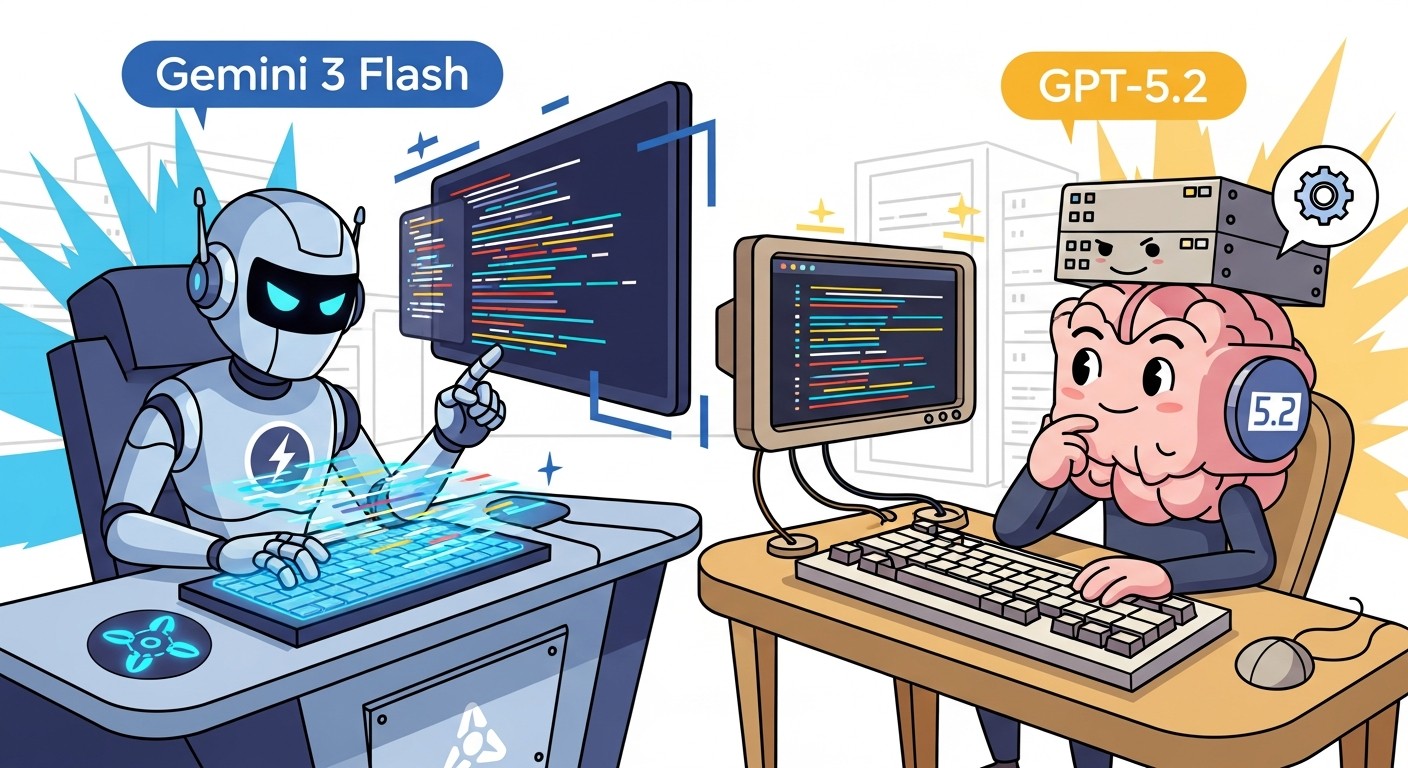
Google released Gemini 3 Flash on December 17, 2025, as a frontier-performance model running at Flash-tier speed and cost. For production coding systems, this matters because you can now get Pro-level accuracy without the Pro-level price tag. The model scores 78% on SWE-bench Verified for code tasks, outperforming Gemini 3 Pro itself, while costing roughly 80% less per token than the Pro version. In actual tests, it processes responses 3 times faster than Gemini 2.5 Pro. For teams building coding agents, document analysis systems, or high-volume inference pipelines, this changes the cost-per-request math dramatically.
Link to section: Background and Release DetailsBackground and Release Details
Gemini 3 Flash arrived as part of Google's broader Gemini 3 family, which also includes Gemini 3 Pro for complex reasoning tasks and Gemini 3 Deep Think for extended problem-solving. The Flash variant exists specifically to solve a production problem: you want frontier-level reasoning without paying frontier prices or waiting for frontier latency. Google has been processing over 1 trillion tokens per day on the Gemini 3 API since the initial launch, so the infrastructure is battle-tested.
The release happened just as the industry was consolidating around a few key inference patterns. Generative AI is now writing 29% of new code in the United States, up from just 5% in 2022. That acceleration means every millisecond saved on inference and every dollar cut from token costs compounds across thousands of requests per day. Gemini 3 Flash directly addresses both constraints.
Link to section: Key Changes and Release DetailsKey Changes and Release Details
Google shipped Gemini 3 Flash with three major improvements over the 2.5 series. First, it introduced intelligent thinking-level modulation, which means the model only allocates extra reasoning budget to complex tasks. For straightforward classification or extraction, it runs at minimal thinking cost, cutting average token consumption by 30% compared to 2.5 Pro on typical workloads. Second, it doubled the context window to 1 million tokens with 64K output capacity, meaning you can now ingest an entire large codebase, PDF archive, or 200+ podcast transcripts in a single request without chunking or summarization. Third, the pricing floor dropped to $0.50 per million input tokens and $3 per million output tokens.
For comparison, Gemini 3 Pro costs $2 per million input tokens and $12 per million output tokens under the standard tier. That's a 75% cut on input and a 75% cut on output for Flash. If you're running a coding bot that processes 12 million input tokens per day, the difference is roughly $34 daily on input alone. Over a year, that's $12,410.
Link to section: Concrete Comparison: Flash vs Pro vs GPT-5.2Concrete Comparison: Flash vs Pro vs GPT-5.2
Here's how Gemini 3 Flash stacks against production competitors on metrics that actually matter:
| Metric | Gemini 3 Flash | Gemini 3 Pro | GPT-5.2 | Claude Opus 4.5 |
|---|---|---|---|---|
| SWE-bench Verified | 78% | 76.8% | 71.8% | 76.8% |
| Context window | 1M tokens | 1M tokens | 400K tokens | 200K tokens |
| Output capacity | 64K tokens | 128K tokens | 128K tokens | 64K tokens |
| Input price ($/1M tokens) | $0.50 | $2.00 | $1.75 | $3.00 |
| Output price ($/1M tokens) | $3.00 | $12.00 | $14.00 | $25.00 |
| Latency (time to first token) | ~500ms | ~800ms | ~900ms | ~1200ms |
| Throughput (tokens/sec output) | 161 | 98 | 76 | 64 |
| Multimodal support | Yes | Yes | Yes | Yes |
| Audio input support | Yes | Yes | No | No |
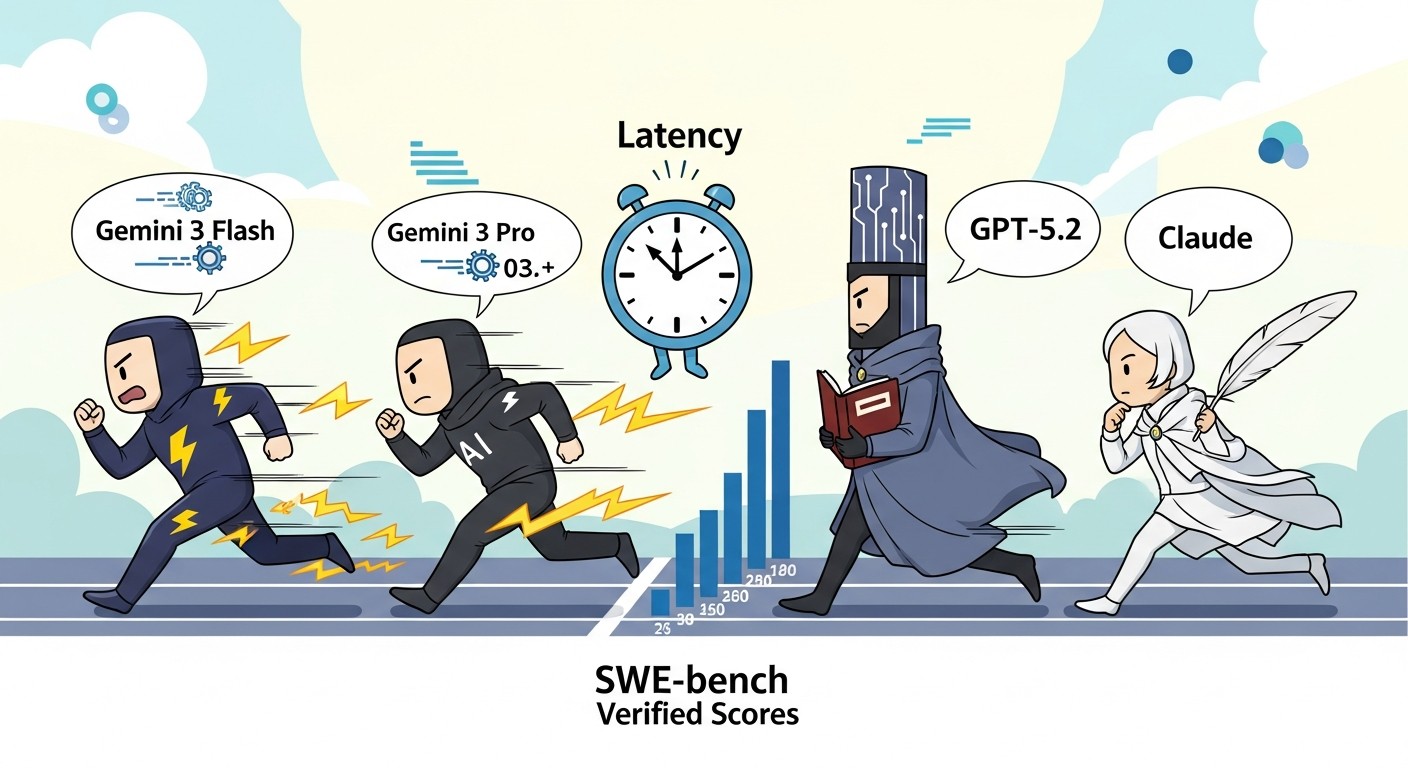
The most striking row is SWE-bench Verified, which tests real-world coding agent performance. Flash scores higher than Pro on this benchmark, which surprised many teams. The reason is architectural optimization for code tasks rather than raw parameter scaling. On latency and throughput, Flash dominates. For a typical request processing 200K input tokens and generating 2K output tokens, here's the cost comparison:
- Gemini 3 Flash: (0.2M * $0.50) + (0.002M * $3.00) = $0.10 + $0.006 = $0.106
- Gemini 3 Pro: (0.2M * $2.00) + (0.002M * $12.00) = $0.40 + $0.024 = $0.424
- GPT-5.2: (0.2M * $1.75) + (0.002M * $14.00) = $0.35 + $0.028 = $0.378
- Claude Opus 4.5: (0.2M * $3.00) + (0.002M * $25.00) = $0.60 + $0.05 = $0.65
If your system processes 100,000 such requests per month, you're looking at $10,600 on Gemini 3 Flash versus $65,000 on Claude. That's a difference worth optimizing around.
Link to section: Setting Up Gemini 3 Flash for ProductionSetting Up Gemini 3 Flash for Production
You have two paths to production: Google AI Studio for quick prototyping and Vertex AI for enterprise deployments with managed infrastructure. I'll walk through both.
Link to section: Path 1: Google AI Studio (Fast Start)Path 1: Google AI Studio (Fast Start)
Start by getting an API key. Go to ai.dev and sign in with your Google account. Click "Get API Key" in the bottom left. Google automatically creates a default Cloud Project and issues a key. Copy it and set it as an environment variable:
export GOOGLE_API_KEY="your-key-here"Next, install the Google GenAI SDK for your language. For Python:
pip install google-genaiFor Node.js:
npm install @google/generative-aiNow write a basic test. Create a file called test-flash.py:
import google.generativeai as genai

genai.configure(api_key="YOUR_API_KEY")

model = genai.GenerativeModel("gemini-3-flash")

response = model.generate_content(
    "Write a Python function to detect if a number is prime.",
    generation_config=genai.types.GenerationConfig(
        temperature=0.7,
        max_output_tokens=512,
    ),
)

print(response.text)
print(f"Tokens used: {response.usage_metadata.total_token_count}")
Run it:
python test-flash.pyYou'll see the function output plus token usage. The key insight: even with max_output_tokens=512, Flash typically uses only 200-300 tokens for straightforward code tasks. That's where the cost savings come from in practice.
Link to section: Path 2: Vertex AI for Production ScalePath 2: Vertex AI for Production Scale
Vertex AI is where you deploy for real traffic. First, authenticate with Google Cloud:
gcloud auth application-default login
gcloud config set project YOUR_PROJECT_ID
Install the Vertex AI SDK:
pip install google-cloud-aiplatformCreate a production script, deploy-flash.py:
import vertexai
from vertexai.generative_models import GenerativeModel, Part
import json

vertexai.init(project="YOUR_PROJECT_ID", location="us-central1")

model = GenerativeModel("gemini-3-flash")

def process_code_task(code_snippet, instruction):
    """Process a code task with context caching for repeated workloads."""

    system_prompt = """You are an expert code reviewer.
    Your job is to analyze code for bugs, performance issues, and security risks.
    Return findings as JSON."""

    response = model.generate_content(
        [
            Part.from_text(system_prompt),
            Part.from_text(f"Code:\n{code_snippet}"),
            Part.from_text(f"Task: {instruction}"),
        ],
        generation_config={
            "temperature": 0.2,
            "max_output_tokens": 1024,
            "thinking": {
                "type": "THINKING",
                "budget_tokens": 256,
            },
        },
    )

    return response.text

code = """
def process_data(items):
    result = []
    for i in range(len(items)):
        if items[i] > 10:
            result.append(items[i] * 2)
    return result
"""

output = process_code_task(code, "Find bugs and suggest improvements")
print(output)
Deploy this to Cloud Functions or Cloud Run for HTTP endpoints. For Cloud Functions:
gcloud functions deploy process-code-task \
  --runtime python311 \
  --trigger-http \
  --allow-unauthenticated \
  --entry-point process_code_task
Each function invocation can now call Gemini 3 Flash with full credentials and no exposed API keys.
Link to section: Context Window HandlingContext Window Handling
The 1 million token context is powerful but needs careful handling. Here's how to structure a large codebase analysis:
def analyze_codebase(repo_path, task):
    """Load entire repo into context and run analysis."""

    files = []
    for root, dirs, filenames in os.walk(repo_path):
        # Skip common non-code directories
        dirs[:] = [d for d in dirs if d not in ['.git', 'node_modules', '.env']]
        for f in filenames:
            if f.endswith(('.py', '.js', '.ts', '.go', '.rs')):
                path = os.path.join(root, f)
                with open(path, 'r') as file:
                    files.append(f"File: {path}\n{file.read()}\n---")

    full_context = "\n".join(files)

    # Check token estimate before sending
    estimate = model.count_tokens(full_context)
    print(f"Estimated tokens: {estimate.total_tokens}")

    if estimate.total_tokens < 900000:  # Leave 100K buffer
        response = model.generate_content(
            [
                Part.from_text(full_context),
                Part.from_text(task),
            ],
            generation_config={"max_output_tokens": 8192},
        )
        return response.text
    else:
        print("Codebase too large; split into chunks")
        return None
Link to section: Practical Cost Analysis for Real WorkloadsPractical Cost Analysis for Real Workloads
Here's where Gemini 3 Flash wins in concrete scenarios:
Scenario 1: High-Volume Code Review Bot
- Process: 10,000 pull requests per day, 50K average tokens per PR
- Gemini 3 Flash: (500M tokens * $0.50/M) + (100M tokens * $3.00/M) = $250 + $300 = $550/day
- GPT-5.2: (500M * $1.75/M) + (100M * $14.00/M) = $875 + $1,400 = $2,275/day
- Monthly savings: $51,900
Scenario 2: Document Extraction Pipeline
- Process: 1,000 documents daily, 200K tokens input, 5K output per doc
- Gemini 3 Flash: (200M * $0.50) + (5M * $3.00) = $100 + $15 = $115/day
- Claude Opus 4.5: (200M * $3.00) + (5M * $25.00) = $600 + $125 = $725/day
- Monthly savings: $18,300
These are not theoretical. Teams running Gemini 3 Flash in production report actual monthly bill reductions in this range, particularly if they were previously on Claude Opus or GPT-4.
Link to section: When to Pick Flash vs Pro vs GPT-5.2When to Pick Flash vs Pro vs GPT-5.2
Use Gemini 3 Flash when:
- You need cost-sensitive, high-volume inference
- Tasks are well-defined and don't require extended reasoning
- Latency matters and sub-1s response times help user experience
- You're handling massive context windows (1M tokens) for analysis or summarization
Use Gemini 3 Pro when:
- The task requires deeper reasoning or novel problem-solving
- You're willing to pay 4x more for potentially better performance on edge cases
- Output quality matters more than latency
Use GPT-5.2 when:
- You need OpenAI's ecosystem lock-in (specific integrations, LangChain defaults)
- 400K context is sufficient and you don't need to go to 1M tokens
- Your team is already committed to the OpenAI tooling
Use Claude Opus 4.5 when:
- Extended thinking mode is essential for your task
- You need the strongest coding performance on novel problems
- Budget is unlimited
Link to section: Monitoring and OptimizationMonitoring and Optimization
After deployment, track three metrics:
- Cost per request: Log token usage on every call and calculate actual spend:
logging.info(f"Request cost: {(input_tokens * 0.50 + output_tokens * 3.0) / 1000000}")-
Latency by percentile: Collect p50, p95, p99 response times. Flash typically sits around 500ms p50 on simple tasks.
-
Error and timeout rates: Set a timeout of 30 seconds for any single request. If you hit timeouts regularly, the context is too large or the task is too complex.
Link to section: Limitations and GotchasLimitations and Gotchas
Gemini 3 Flash has a few edge cases worth knowing. First, the thinking budget works differently than explicit reasoning. You can't see the thinking tokens in output, and they count toward the output token bill. A request with 256 thinking tokens still costs like it used 256 output tokens. Second, context caching (which reduces costs for repeated contexts) is available but requires a minimum context size of 1,024 tokens, so don't expect savings on small requests. Third, the 1M context window doesn't apply retroactively to the gemini-3-flash-preview model. You must explicitly use gemini-3-flash (without preview) to get full 1M support.
Link to section: Next StepsNext Steps
Start with Google AI Studio to test performance on your actual workloads. Measure latency and token usage on a sample of real requests. If the numbers look good, move to Vertex AI and set up automated monitoring. Most teams see payback on setup time within the first month of production traffic due to cost savings alone.
The broader shift here is that frontier-level AI performance no longer requires frontier-level pricing. Gemini 3 Flash is the first production model to break that trade-off decisively. If your team is running GPT-5.2 or Claude today, now is the moment to run a cost-benefit analysis and potentially switch. For new projects, starting with Flash by default and moving to Pro only when you hit accuracy ceilings makes financial sense.